Crimson Desert Tips

A clean field guide for quick lookups while playing, organized around inventory, traversal, combat, upgrades, quests, and the small quality-of-life details the game does not explain well.

Categories8
Tips108
Minor Spoilers8
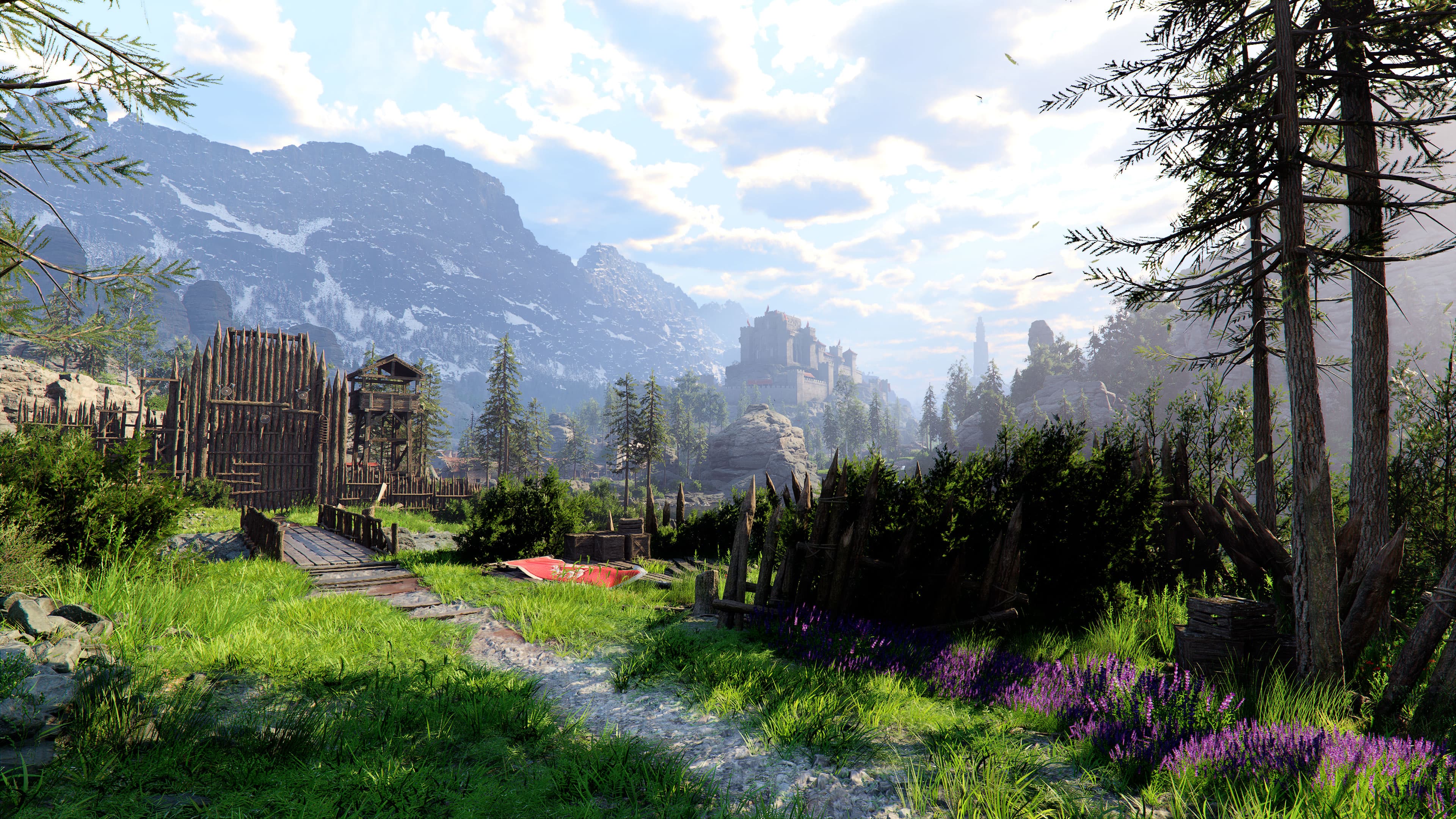
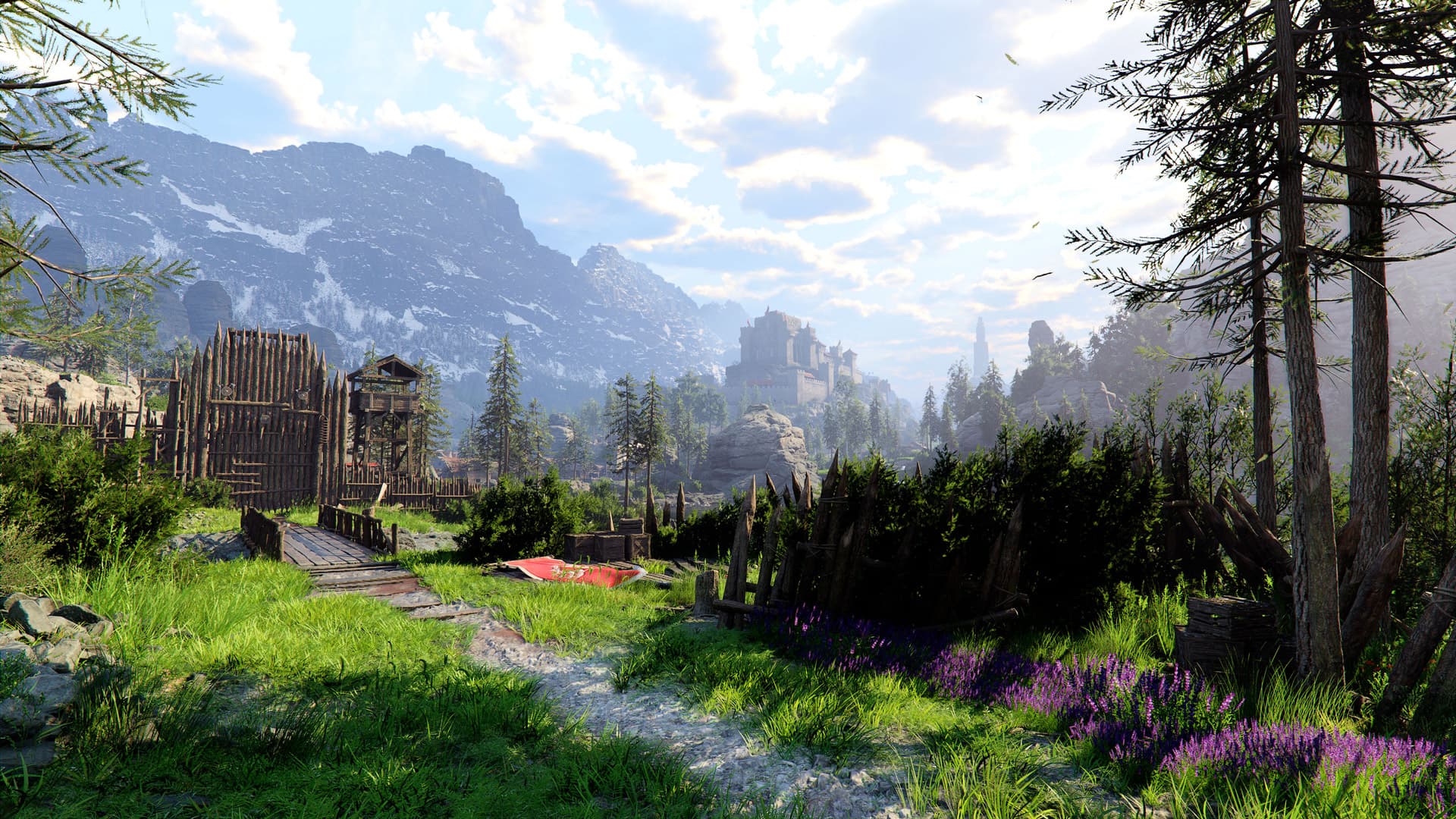
An official Crimson Desert world screenshot.
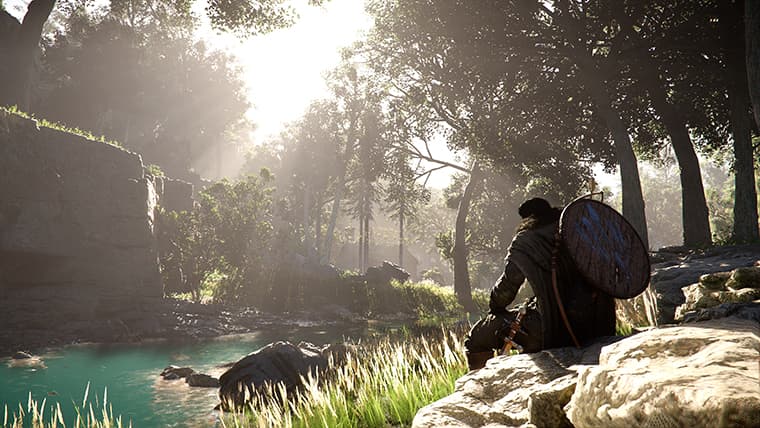
A quiet Crimson Desert riverside scene with the player character resting near supplies.

Inventory and loot

9 tips

Reduce friction early so exploring, looting, and crafting never feels cramped.

01

Expand inventory space early. Prioritize quests and bounties that reward bag slots, and check most merchants for small bags that add extra space.

02

Group similar items in your inventory to cut clutter and make materials easier to manage.

03

Hold the loot button to continuously pick up nearby drops instead of looting one item at a time.

04

Sell recipe posters or flyers after learning them so they do not waste inventory space.

05

Sell finished bounty notices after turning them in so they do not keep wasting inventory space.

06

Discard leftover quest notes and similar junk once they stop being key items. Many papers still consume inventory slots even though they are no longer useful.

07

Befriend dogs and cats in town early. Once recruited, pets help loot enemy drops automatically.

08

Some wooden chests can be burned open with Blinding Flash instead of opened normally.

09

Do not use the floor or your house as long-term storage. Dropped gear, weapons, and materials can despawn permanently.

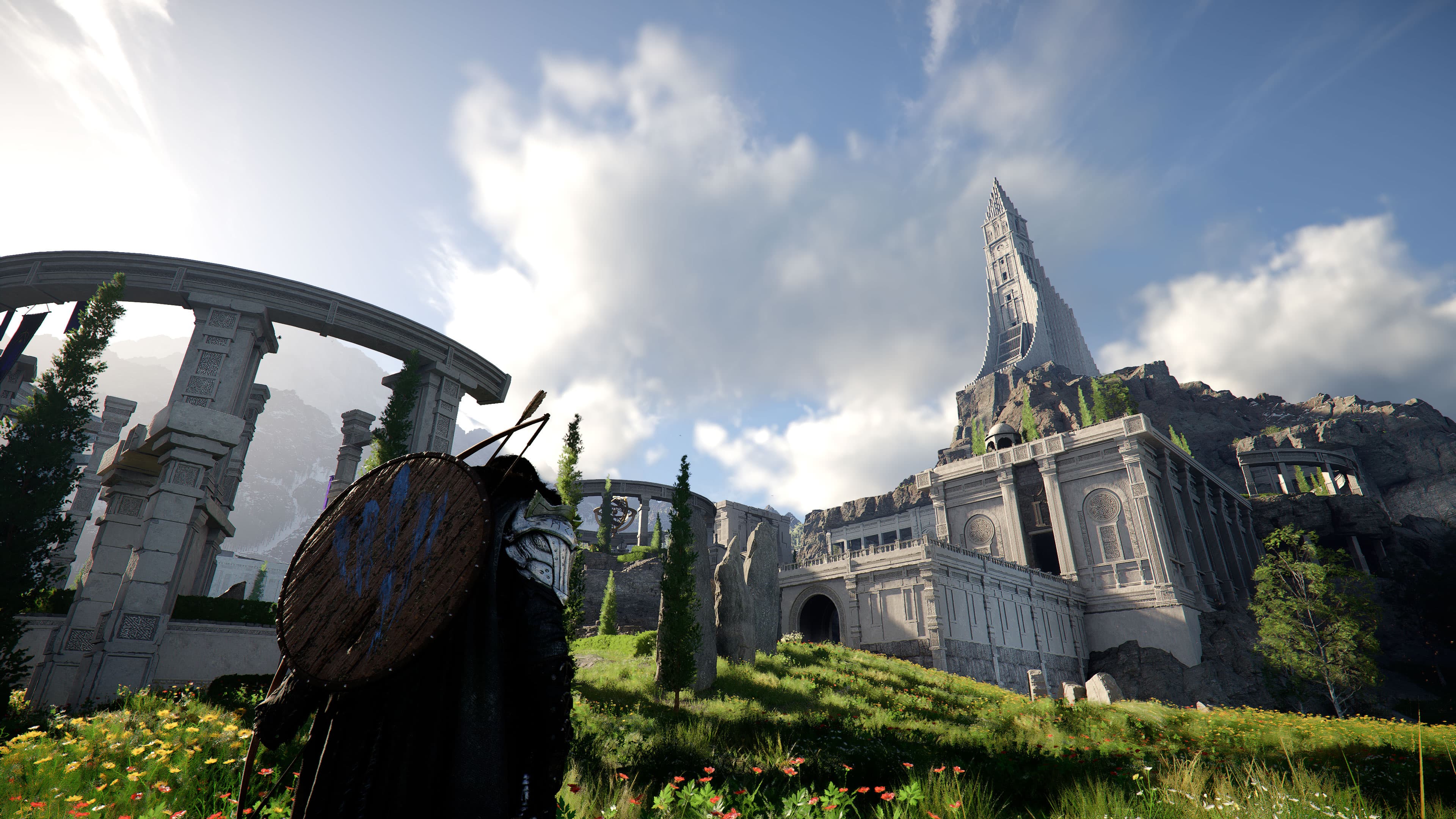
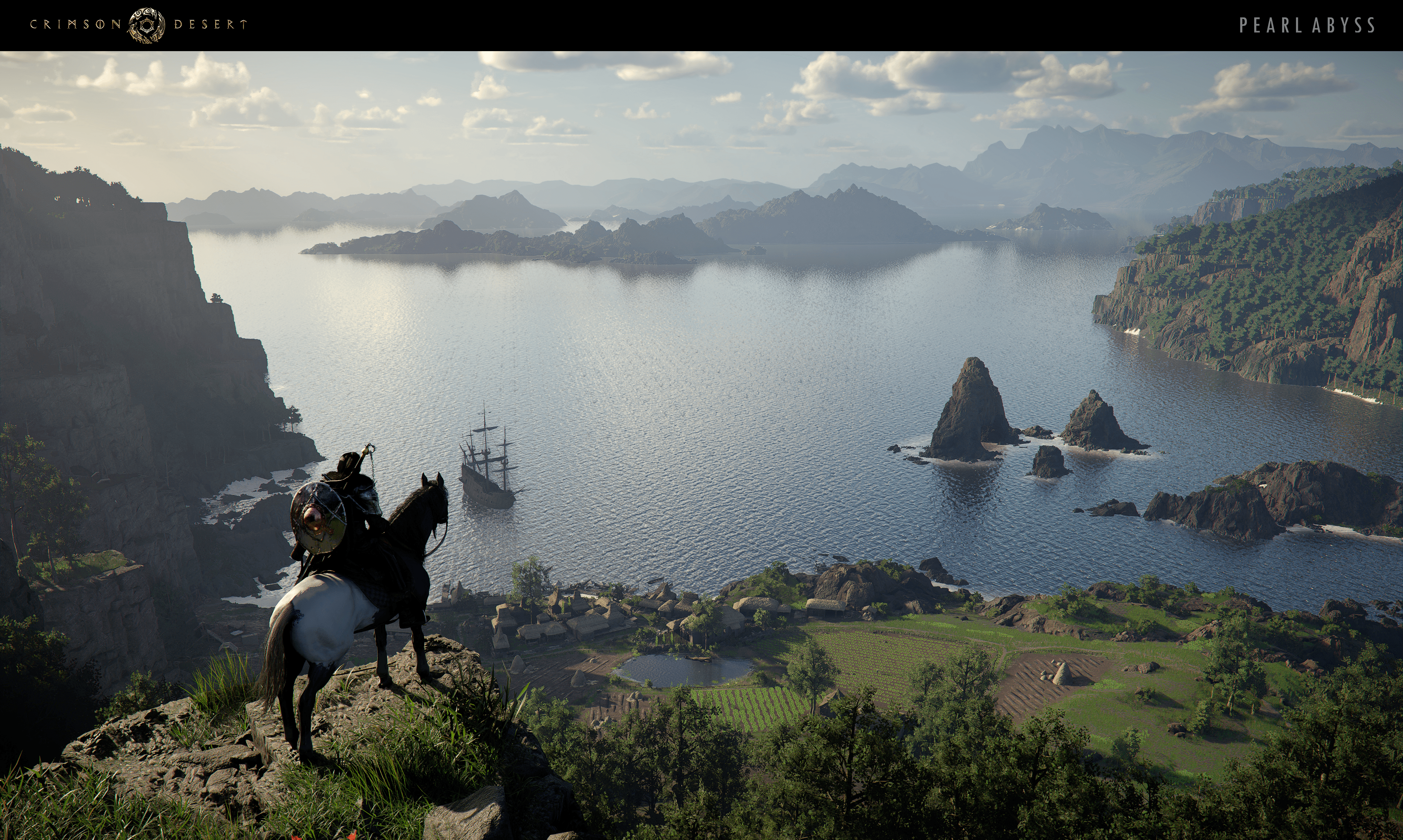
An official Crimson Desert screenshot suited to traversal and exploration.
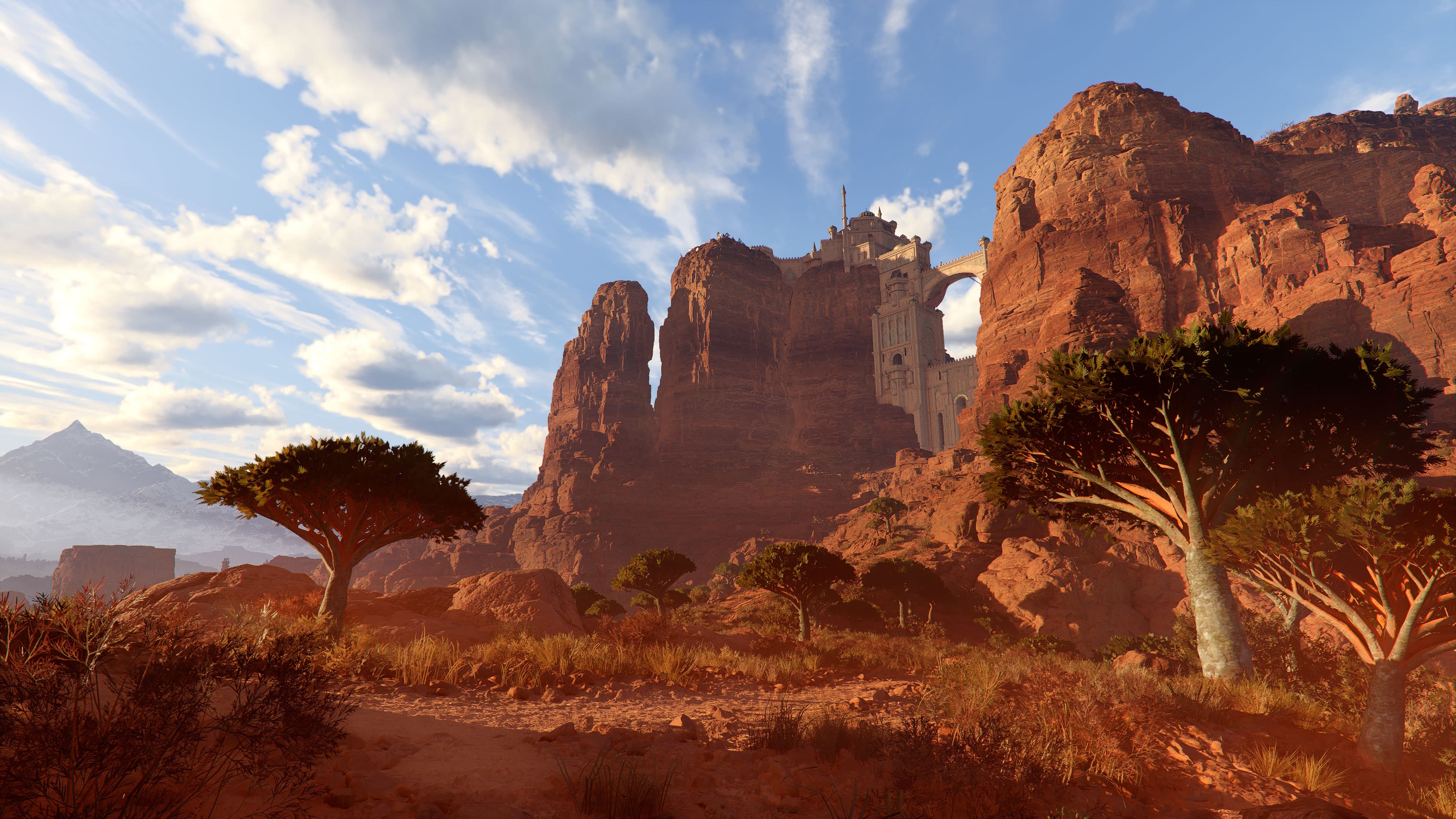
An official Crimson Desert landscape screenshot suited to exploration tips.

Traversal and exploration

18 tips

Navigation tricks, map visibility, and traversal upgrades that save time constantly.

01

Use Blinding Flash often while exploring, especially from high vantage points or while gliding. It helps reveal fast-travel pads, abyss artifacts, and other points of interest.

02

Sweep ruins and puzzle spaces with your lantern too because it can reveal sealed abyss artifacts and other hidden points of interest.

03

Investigate foggy question marks and mysterious energy markers. They usually lead to puzzles, useful rewards, or new fast travel locations.

04

Ring bells to clear fog from the local map.

05

Set the map filter to show everything. The default settings hide too much useful information.

06

Climb aggressively. You can scale most surfaces, including trees and branches, and still use many abilities while hanging.

07

Precision movement is optional. Normal jumping and interaction work fine unless you specifically need precise placement.

08

Force Palm can be used as an aerial boost after jumping, effectively giving you extra jumps and making cliffs and shortcuts easier to reach.

09

Invest in stamina early so you can glide longer and move more freely.

10

Upgrade flight when available because it greatly improves long-distance movement.

11

Use abyss nexus points from the abyss map layer for faster travel to remote areas and camp-adjacent locations.

12

Abyss fast-travel points are also useful as elevated launch points for long glides into nearby regions.

13

Some large activated stone platforms are also fast-travel pads. Open the map and double-tap their icon to teleport.

14

If a door is blocked or guarded, check for a nearby window because some buildings can be entered that way instead.

15

Some purple plants on high cliffs or mountaintops are lethal on contact, so do not treat them like harmless scenery.

16

If you need to descend safely, glide without holding a direction to preserve stamina and survive much taller drops.

17

The vine-covered transporter on the hill opposite Howling Hills camp can be repaired into a very useful nearby fast-travel point.

18

Explore outside the starting region earlier than the game initially suggests. You can unlock fast-travel points and reach valuable gathering areas well before the story sends you there.

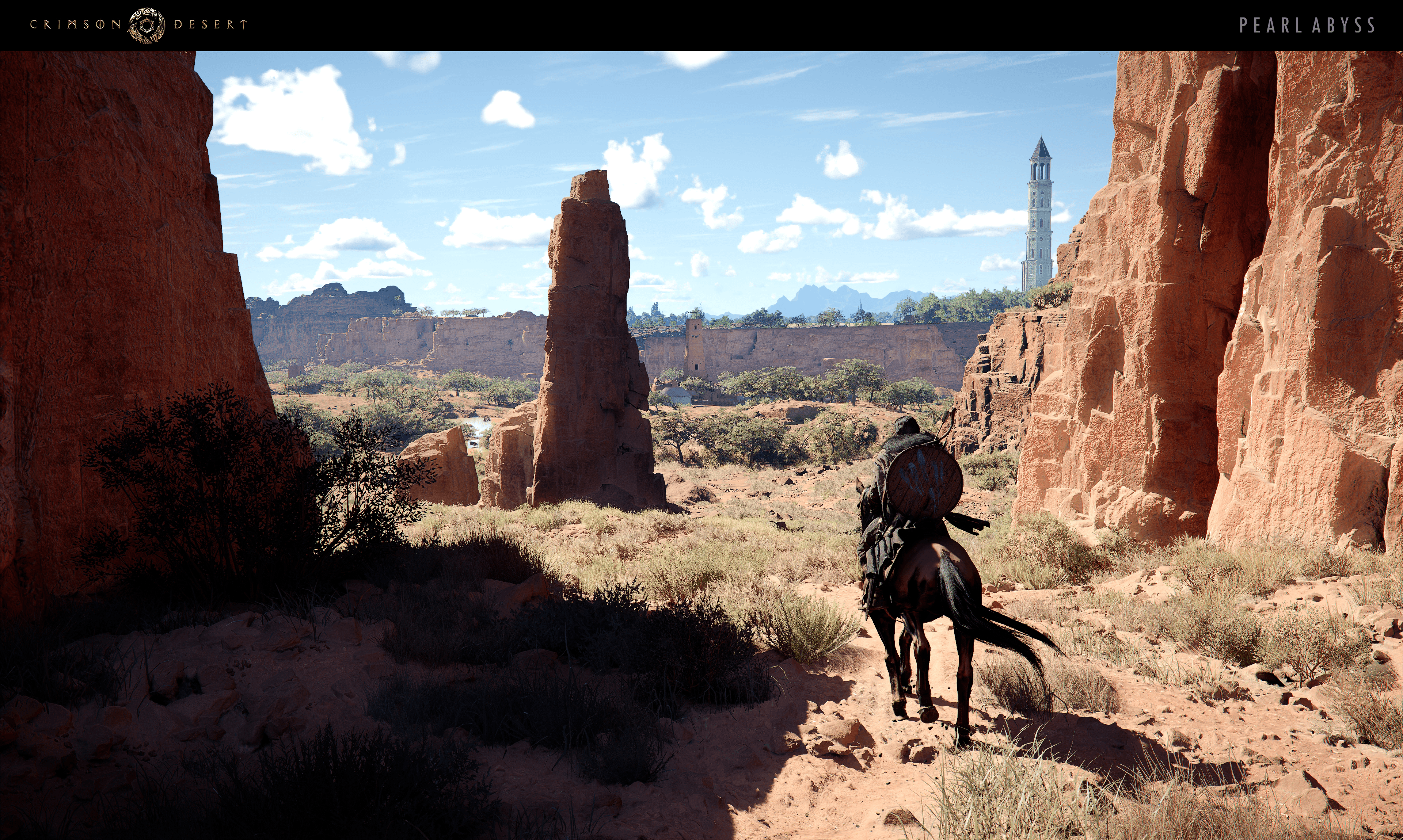
A rider on horseback moving through a desert canyon in Crimson Desert.

Horse and utility

6 tips

Small quality-of-life behaviors that smooth out travel and everyday play.

01

Turn the camera around before summoning your horse if you want it to appear in front of you.

02

Horses can swim, so deep water is safer than it first appears.

03

Heal an injured horse with Force Palm in healing mode instead of using horse medicine.

04

Double-tap sprint to toggle auto-sprint so you do not need to keep re-pressing the run button.

05

Set the lantern to auto so it does not stay on and wash out bright scenes.

06

Pet your horse regularly. Higher affinity unlocks useful riding perks over time, including better handling options like drift.

An official Crimson Desert combat screenshot from Pearl Abyss media.

Combat and skills

11 tips

Core combat reminders and early skill choices that have the biggest impact.

01

Do not treat combat like a Souls game. Mix offense, defense, mobility, and different resource costs instead of panic-dodging.

02

Experiment with the full move set. Grapples, shield attacks, unarmed moves, ranged options, and finishers all have real uses.

03

Holding attack buttons can keep combos flowing more smoothly than trying to time every input manually.

04

The Blinding Flash finisher is one of the strongest early combat tools for both crowd control and boss damage.

05

Bosses are where the major difficulty spikes happen, not ordinary enemy groups. Save your best food, upgrades, and stockpiled healing for those fights.

06

Good early skill priorities include Focus, the Axiom Force traversal upgrade, upgraded flight, and strong combat finishers.

07

Upgrade Focus to levels 2 and 3 early. It becomes one of your safest tools for healing, refilling spirit, repelling groups, and countering attacks.

08

Turning Slash is a great early skill because it hits groups well, gives useful invincibility frames, and doubles as a fast field-harvesting move.

09

Stab is a strong early boss skill because bleed adds reliable damage over time.

10

Do not over-stress skill points. You can eventually unlock everything.

11

If you spend an artifact on a Watch and Learn skill and later learn that same move from the correct enemy, the artifact is refunded.

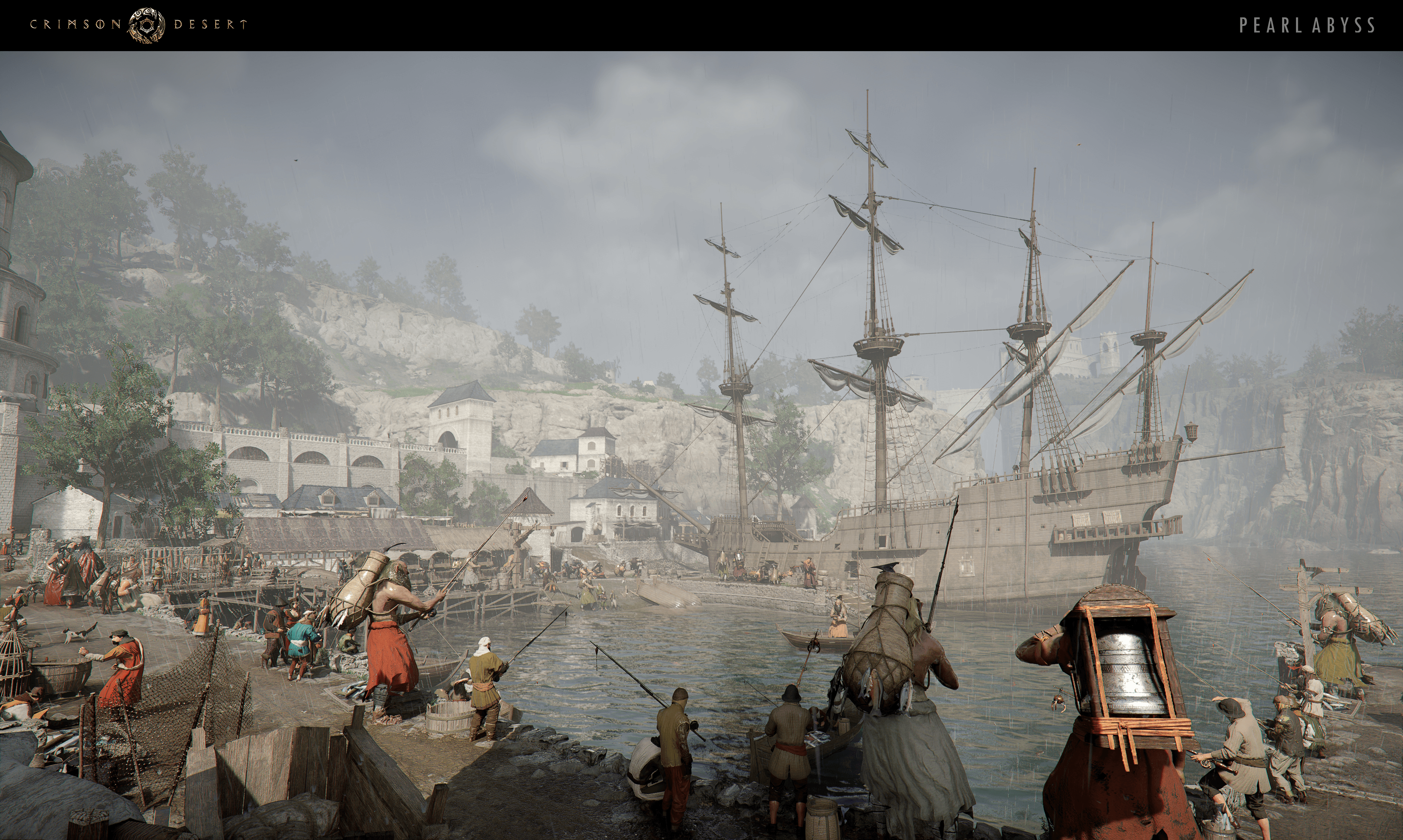
A Crimson Desert settlement image that fits gear and power progression.
An official Crimson Desert world screenshot that complements upgrade and resource advice.

Gear, upgrades, and resources

21 tips

How to stay ahead on materials, upgrades, and high-value early progression.

01

Keep gear refined and upgraded. It makes a major difference in tougher fights, especially bosses.

02

Check armor and weapon vendors regularly because some shop gear is a legitimate upgrade.

03

Use world grindstones and anvils whenever you find them. Their buffs work off uses rather than a strict timer, so you can often carry the benefit through multiple fights if you do not waste swings.

04

Mine ore whenever you pass rock walls. Upgrade materials respawn slowly and are always useful.

05

Force Palm can handle mining or logging in a pinch if you are missing the right tool, though players report mining yield may be lower.

06

Start the quarry quest early so you can get the mining drill quickly. It mines faster and can yield extra ore.

07

Some mysterious rock obstacles require the drill rather than Force Palm or a pickaxe.

08

Basic Turning Slash can fell trees and break common ore faster than swapping tools every time, though tree shortcuts may cost you some fine timber.

09

For better wood yield, knock trees down with weapons or abilities first, then switch to the logging axe for the final cuts so you still get fine lumber.

10

Duplicate gear copies can sometimes be used as upgrade fodder instead of spending extra materials.

11

Duplicate tools bought from shop shelves can sometimes be used to upgrade your own tools instead of spending extra crafting materials.

12

Open collectible boxes before selling them. They can contain small valuables like coins, rings, and keys.

13

The yellow vertical bar beside the minimap is your experience bar, and filling it grants an abyss core.

14

The white glitch-marked dots on the minimap often indicate special gear or unique loot worth grabbing immediately.

15

Enemy outfits and gas masks are worth keeping because some help with disguise play or protect you from hazardous areas.

16

Keep special permanent-buff consumables and use them instead of hoarding them. Some permanently raise stamina or other valuable resources.

17

A reliable early money spot is the sinkhole south of the Howling Hills camp. Mine the diamond deposit there and break stalagmites for extra profit.

18

Grab Palmer pills whenever you find them and learn to craft them when possible because they function as self-revives.

19

Very early in the game, the small cave near the opening route has an alchemy cauldron inside. It is an easy first crafting spot, especially once you find early recipes like Palmer pills.

20

The deer hat from stag lord cultists near the Icemoor Castle ruins makes deer stop fleeing until you attack, which greatly simplifies hunting.

21

The Crimson Desert region in the northeast is worth visiting earlier than expected if you need money. Its mining nodes are dense, valuable, and relatively easy to farm if you avoid fights.

A Crimson Desert town scene suited to quest and system guidance.
A wide Crimson Desert landscape related to quests and systems.

Quests, rewards, and systems

23 tips + 8 minor spoilers

Longer loops worth prioritizing because they unlock money, secrets, or progression.

01

Solve puzzles whenever you find them. They often reward strong gear, hidden dungeons, abyss artifacts, or other high-value discoveries.

02

The hidden sinkhole ruin puzzle near camp is especially worth doing because its reward reveals more secrets on the map.

03

Spend faction contribution points at contribution shops instead of letting them pile up. They can buy useful gear without costing silver.

04

Faction quests are worth folding into your normal loop because they help with contribution income, camp growth, and general progression.

05

Once camp management unlocks, keep comrades on missions and prioritize missions that return the currency needed to keep the mission loop going.

06

Keep some camp workers on guard duty whenever possible because a steady cash income helps with later camp projects.

07

Recruit lost Greymanes early, especially vendor recruits. The chef is one of the best camp unlocks because he keeps food and healing stocked.

08

Stealing can be a strong early money source if you use a mask, carry keys, and fence valuables safely.

09

Be careful with keys around locked doors because some doors can consume them automatically. Players report raising your lantern first can help avoid accidental key use.

10

Money pouches should be opened instead of hoarded so they convert into normal currency and free the inventory slot.

11

Destroying unattended crates, barrels, and similar containers can be a useful emergency source of food and unpackaged trade goods.

12

A strong early theft route includes the gold bar in the Lioncrest Manor fireplace, and commenters also report chest-carrying goblins can hide gold bars worth banking.

13

Gold bars are worth taking to the bank because they convert into clean silver instead of behaving like ordinary junk loot.

14

Read bounty notices and other quest papers when you pick them up. Some content does not fully activate until you inspect the item.

15

Greet merchants and build trust with gifts when you can. Higher trust can expand their inventory and improve prices.

16

You can carry animals, bounty targets, and some bodies on your horse after lifting them first.

17

If you arrive at a quest too early, watch for the pass-time prompt instead of wandering around waiting.

18

You can clear wanted status by visiting a church and absolving your sins.

19

For crafting quests, read the objective carefully before spending materials. The game sometimes wants a specific item variant and will not auto-correct your mistake.

20

Investigation quests are easier if you check the investigation log book in your inventory before answering follow-up questions.

21

Manual save before long wagon trade runs. Wagons can break, and losing one often means losing most of the trade goods loaded into it.

22

Learn which trade hubs accept wagon unloading. Not every trade-related outpost will let you sell directly from a wagon.

23

If you find a movable power core in a ruin or puzzle area, store it before leaving. Otherwise you may have to repurchase it from lost items later.

Minor progression-related spoilers8 tips
01

Do not wander too far off the main path too early. Crimson Desert locks a surprising number of important tools and systems behind story progress, and Chapter 1 is the first big breakpoint because it unlocks core traversal and interaction abilities.

02

Some free-roam companion options are progression-gated. Players report Damiane and Oongka can be summoned into the field once available, but they leave when you start a mission.

03

Chapter 3 is a strong first breakpoint for broader exploration because camp foundations and faction quests are online by then. If you still feel tool-limited after that, push a bit farther into Chapters 4 and 5.

04

Once Greymane camp opens, keep upgrading it because it becomes a major hub for storage, recipes, missions, and other support systems.

05

The game eventually gives you other playable characters, but Cliff is the one who advances the main story.

06

Once other playable characters are available, leaving one parked near a town vendor can make selling shared-inventory loot much faster.

07

You can encounter Damiane in the open world before the story formally recruits her, but she does not actually join until Chapter III.

08

The Reed Devil sequence during Traces in the Manor is an early difficulty spike. Start it in the morning if possible so darkness does not make the long encounter even harder to navigate.

A clear daylight landscape from Crimson Desert used as a visual backdrop for settings-related guidance.

Settings and interface

9 tips

A few settings and UI switches that make the game clearer and easier to read.

01

If the game looks blurry, reduce blur in accessibility settings. On PS5, 120 Hz mode also reportedly improves clarity.

02

Check the armor radial menu because some gear pieces, especially helmets, support alternate visual styles.

03

Some equipment swaps are faster from the radial menu than from the inventory, including at least one memory-related helmet setup.

04

Mark custom waypoints on the world map for cleaner route planning on long rides.

05

White-dot NPCs on the minimap often have special dialogue, new recipes, or useful knowledge.

06

Hovering a faction symbol on the world map can reveal extra faction details.

07

If settings changes do not seem to take effect, make sure you explicitly press Apply and confirm the popup.

08

On PC, many players find controller much smoother than mouse and keyboard.

09

Open the in-game Guides and Controls menus early. They explain several useful actions that the tutorial does not surface well.

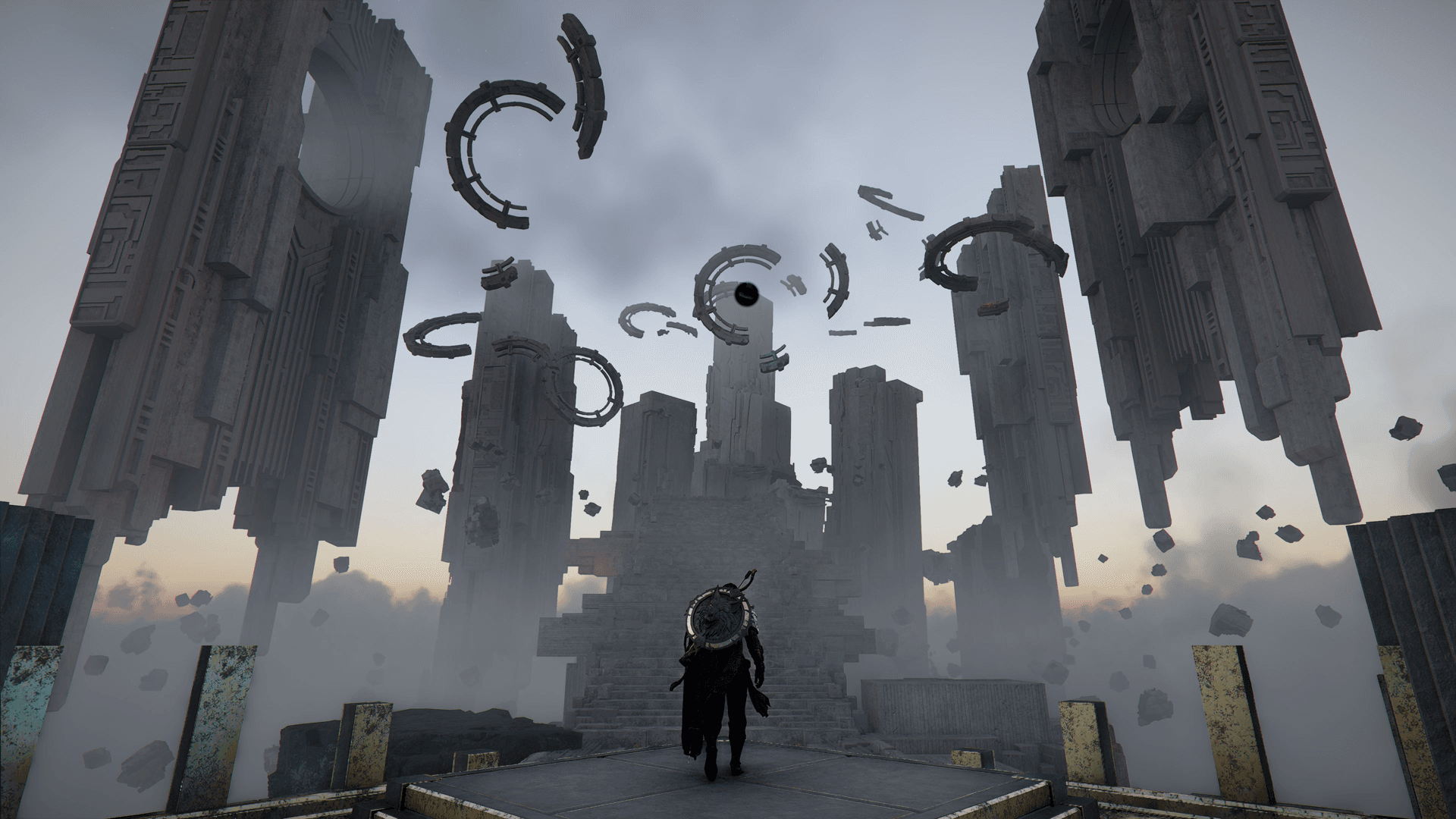
A mysterious floating ruin in Crimson Desert.

General advice

3 tips

Practical expectations for a game that likes to hide systems from the player.

01

If a puzzle or system is unclear, looking up help is reasonable. The game hides a lot and does not explain everything well.

02

Stay in Hernand and the surrounding region for a while before roaming too far. Enemies scale by area, not by your progression, so early detours can hit much harder than expected.

03

Comparing notes with other players is useful. The game clearly expects some amount of community problem-solving around hidden systems and puzzles.